Clinical & Life Sciences · Agentic AI · VDI
The clinical workspace, rebuilt around the clinician.
LocumView is an open-source virtual desktop for regulated healthcare and research, built in the open on Red Hat Enterprise Linux. A secure desktop in the browser today; the governed clinical workspace is being built on top.
- Live: browser access with SSO + MFA
- Next: DISA STIG hardening
- Planned: local AI, no PHI egress
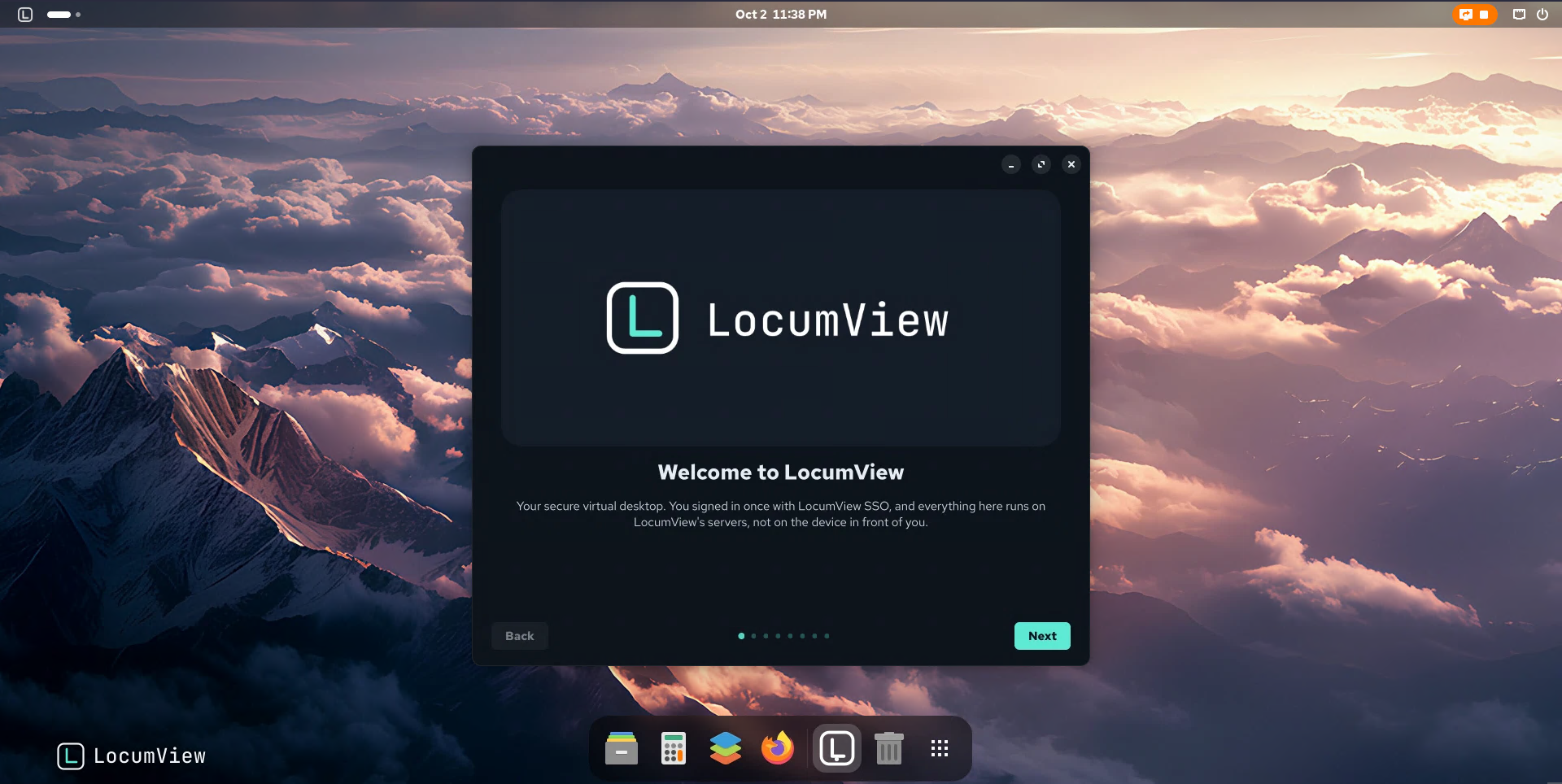
Live LocumView session, delivered in the browser.
The core idea
The workspace is the product. The EHR is one governed data source.
Clinicians already work across a dozen windows. LocumView turns that sprawl into one governed workspace, where the EHR is a trusted source of data rather than the place everything has to happen.
LocumView is designed to connect to the EHR through sanctioned, standards-based APIs: FHIR R4 and SMART on FHIR. No screen scraping, no fragile automation. From that data, the workspace will run AI agents, dashboards, and a coordinated clinical environment around it. This layer is planned and not built yet.
- AI agents
- Dashboards
- Secure messaging
- Files and documents
Platform
Four commitments that shape every decision.
Secure by design
Linux desktops built for DISA STIG profiles and OpenSCAP scanning, and mapped to HIPAA technical safeguards. Compliance evidence is versioned alongside the code.
DISA STIGOpenSCAPHIPAA mappingAI that stays inside the boundary
Planned: local models and agents run inside your environment, so no patient data leaves the regulated boundary. Local GPU inference already runs in the build lab; the clinical agents are not built yet.
Local inferenceNo external callsLoggedDelivered anywhere, through the browser
Desktops reach users through a browser with single sign-on and MFA. No desktop is ever exposed directly to the internet.
Browser accessSSOMFAReproducible and auditable
The goal: every desktop a versioned, rollback-capable image built from code. Today the desktop is rebuilt from versioned scripts with a full changelog; the Terraform and Ansible automation is the next phase.
Image-basedVersionedRollback
Clinical AI
A safety net for short-staffed teams.
Lead example (planned)
Antimicrobial stewardship
When a new culture result posts, an agent will retrieve the patient’s data via FHIR, check it against current guidelines and the local antibiogram, and send a concise, evidence-based summary to the clinician’s inbox. Not built yet; this is the first agent on the roadmap.
- Shows the data, cites the exact guideline version used, and shows its reasoning
- Drafts, summarizes, and flags. Never signs, orders, or prescribes. The clinician decides.
- Every action is logged and auditable
- Built around transparent clinical decision support principles
Synthetic patient · Bed 12 · Med/Surg
New result: blood culture
- Organism
- E. coli
- Susceptible
- Ceftriaxone, cefazolin
- Current therapy
- Meropenem 1 g IV q8h
- Renal function
- CrCl 68 mL/min
Consider de-escalation to a narrower agent based on susceptibilities.
Local stewardship guideline v2026.1, §4.2 · Antibiogram 2025
Planned agents
- Planned
Renal and weight-based dosing checks
Recalculates doses against current renal function and weight, and shows every step of the math.
- Planned
Pharmacovigilance intake
Helps assemble adverse event reports from chart data for pharmacist review.
- Planned
Therapy review
Surfaces duration, duplication, and interaction questions for scheduled medication review.
Governed knowledge
A governed knowledge base, not a black box.
Versioned sources
Guidelines, local antibiograms, and protocols live in a curated library. Every document is dated and versioned.
Scheduled review
Each source has an owner and a review date. Nothing ages out of date silently.
Clinician sign-off
A qualified clinician reviews and signs off every update before it reaches an agent.
Regression testing
Updates are tested against validated scenario cases. Any change in output is reviewed before release.
Feedback loop
Clinician overrides are logged and reviewed, and every update can be rolled back.
Capabilities
Everything in one workspace.
Browser-based EHR access
Planned: Meditech Expanse, Epic, and Oracle Health via SMART on FHIR.
Clinical AI agents
Planned: launchable apps that draft, summarize, and flag. Clinicians stay in control.
Secure messaging and video
Planned: Matrix and Element, self-hosted inside your environment.
Files and documents
Live: ONLYOFFICE on the desktop. Next: Nextcloud for shared files and real-time editing.
Email, calendar, and contacts
Planned: Evolution, connected to Nextcloud for shared calendars and address books.
Data science and research
Live: Python. Planned: R, Jupyter, and local model serving for approved research work.
Centralized dashboards
Planned: unit and service views built directly from FHIR data.
Curated per role
Each desktop carries only the apps that role needs.
Third-party names are trademarks of their respective owners and are listed for interoperability only.
Workspace
Familiar from day one.
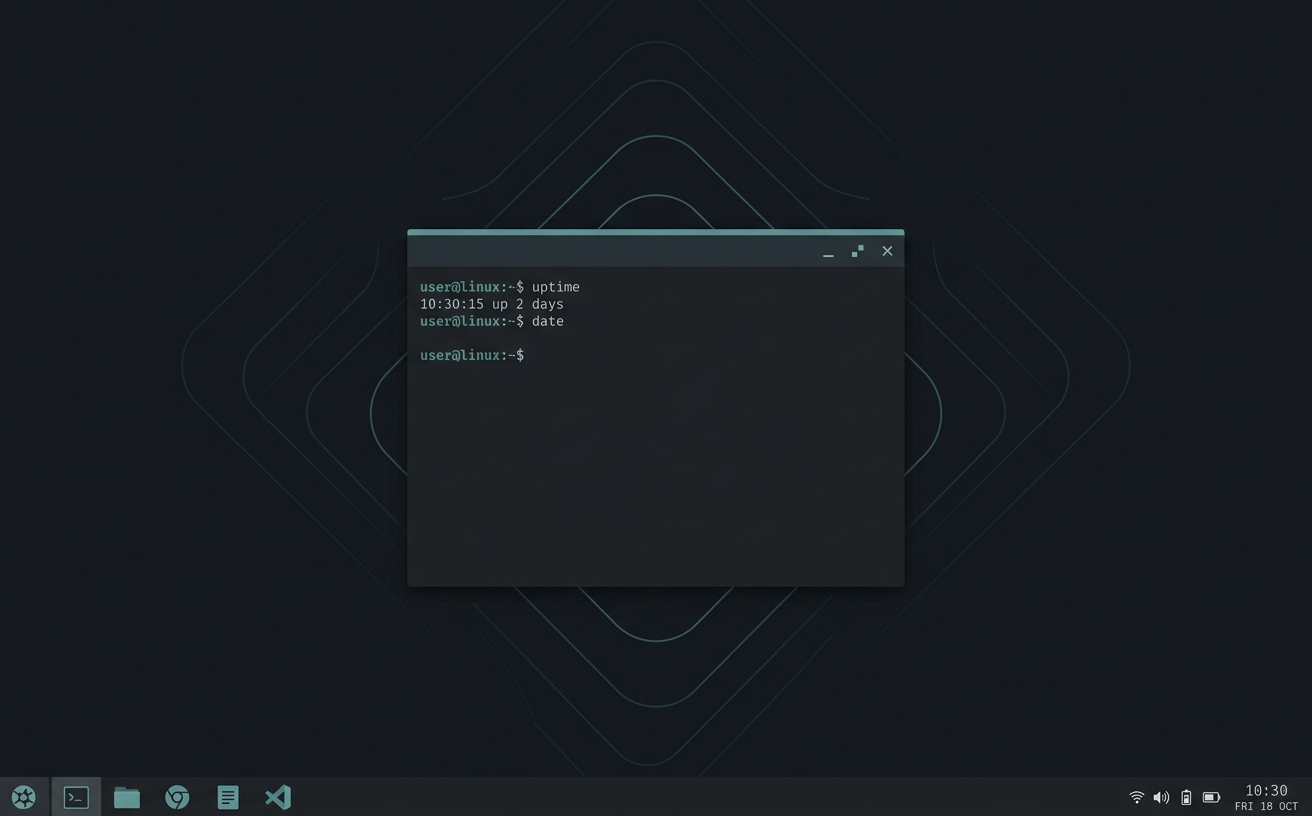
Windows-style
Taskbar, start menu, and window controls on the right.
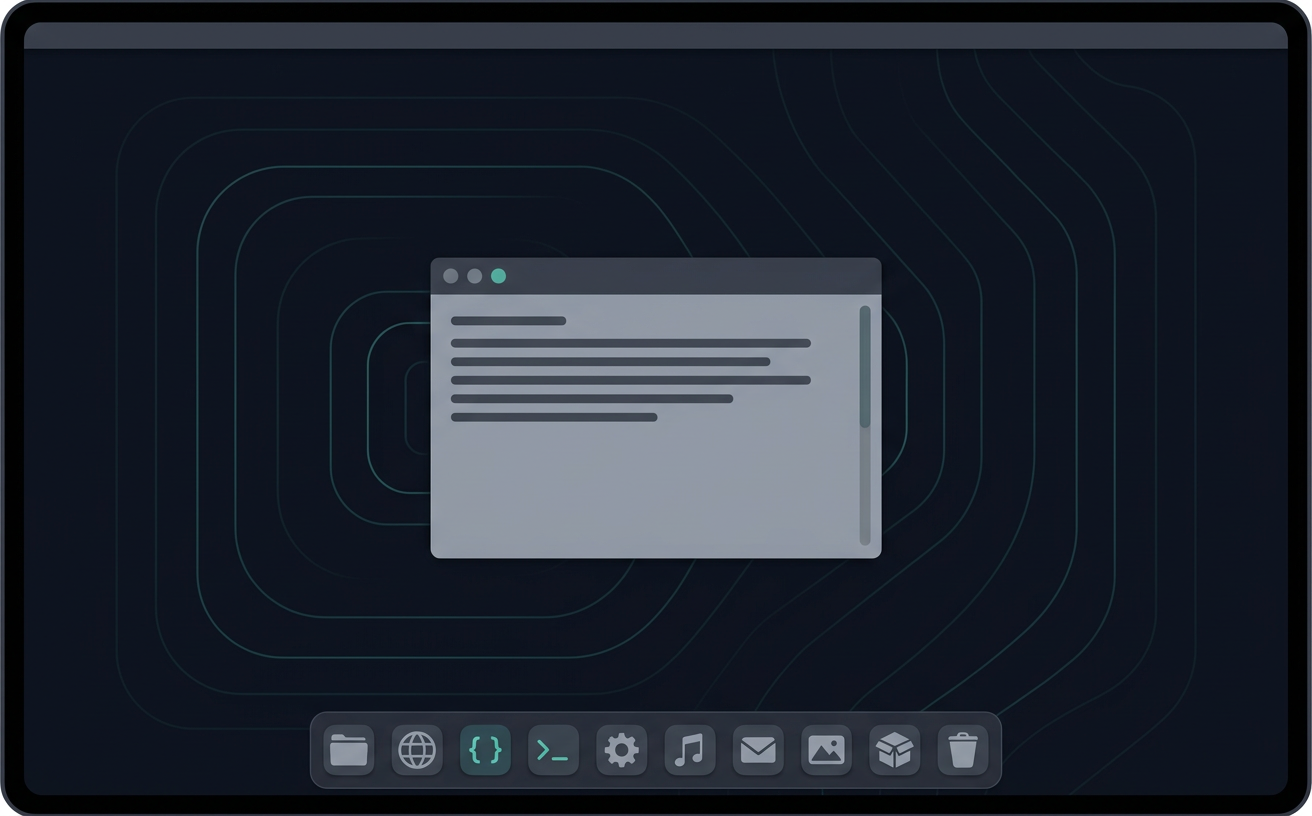
Mac-style
Top menu bar, centered dock, and window controls on the left.
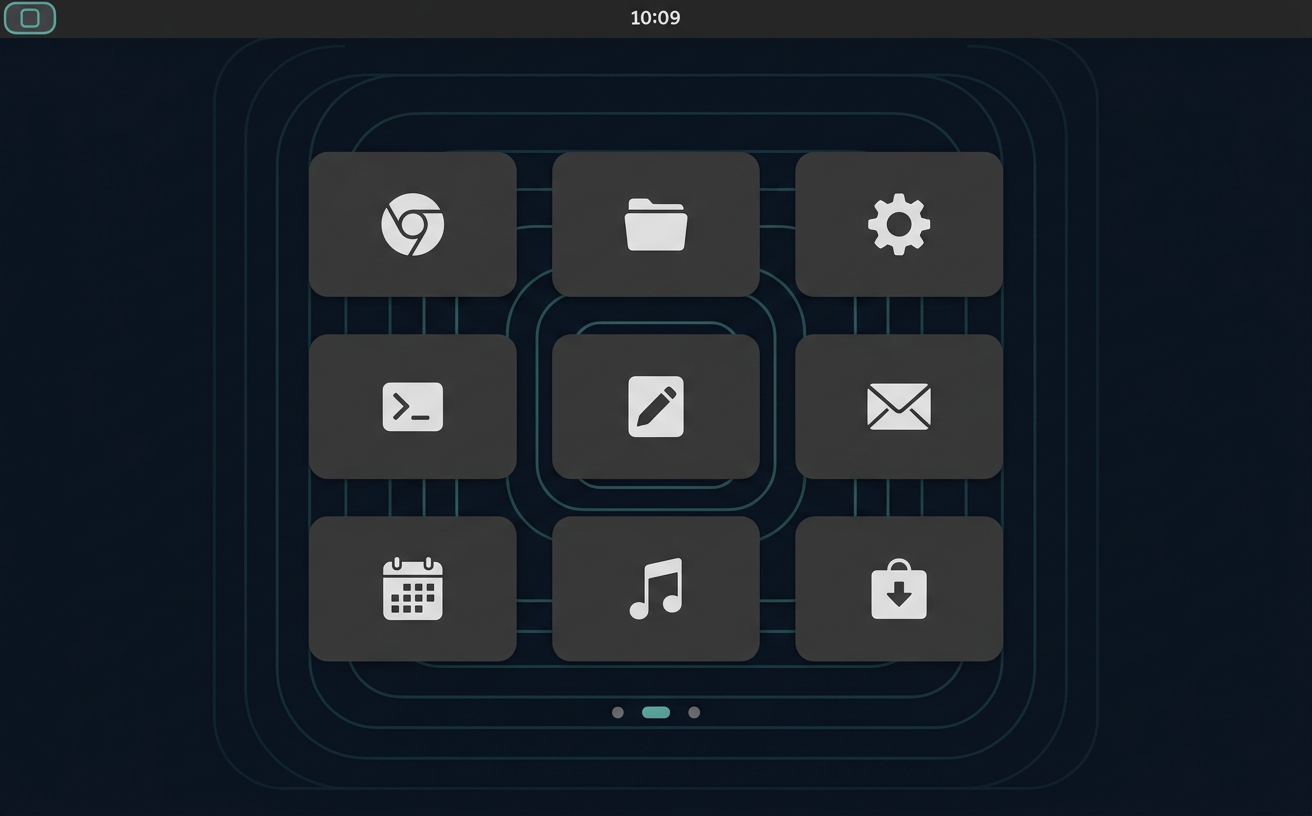
Standard
A clean, distraction-free layout tuned for clinical work.
Deploy
Deploy anywhere: your infrastructure, your choice.
Data sovereignty starts with who controls the stack.
Clinical data is only as sovereign as the software and infrastructure it runs on. Because LocumView builds on open, auditable Linux and deploys wherever you decide, jurisdiction over patient data stays with your organization, not with a vendor.
You choose the jurisdiction
Data residency is decided by where you deploy: your data center, your cloud account, or a sovereign provider.
No single-vendor dependency
Open, enterprise-supported distributions mean no proprietary OS license or foreign platform holds the keys.
Auditable end to end
Open source operating systems and code-defined builds let your security team inspect exactly what runs.
Supported operating systems
- Demonstrated
Red Hat Enterprise Linux
The reference build. The live demo runs here today; STIG hardening profiles are being applied next.
- Planned
SUSE Linux Enterprise · openSUSE
European-rooted enterprise Linux and a natural fit for sovereignty-focused deployments. Not built yet; the goal is the same code with equivalent hardening.
- Planned
Debian
Community-governed and vendor-neutral. Intended to build from the same definitions; not built yet, and validation will follow customer need.
Infrastructure targets
On-premises virtualization
Demonstrated on KVM/libvirt; designed for the hypervisors and hardware already in your data center.
Kubernetes
Live: the access layer (Guacamole, Keycloak, and the tunnel) runs on k3s. Planned: desktops on Kubernetes with KubeVirt.
Public or sovereign cloud
Planned: the cloud your governance allows, with the same images and controls.
Thin-client ready
Because desktops are delivered through the browser, endpoints stay simple: any modern browser works, including on phones. Managed thin clients such as IGEL OS devices should work the same way but have not been tested yet.
Sovereign by design. Your data stays where it belongs.
Digital sovereignty and data residency are now part of healthcare procurement. LocumView runs on open, enterprise Linux and is designed to deploy on European-owned infrastructure, with no dependency on a single US hyperscaler.
- Planned: deployment on European-owned clouds such as IONOS, STACKIT, OVHcloud, Scaleway, and Hetzner
- Planned: SUSE Linux Enterprise and other European-supported distributions
- Data residency controlled by where you deploy, not by a vendor contract
- Supports the move toward sovereign, open infrastructure in public healthcare
Security architecture
One path in. Nothing else exposed.
- User browserNo client install
- TLS reverse proxyTerminates HTTPS
- Guacamole gatewayKeycloak SSO + MFA
- Hardened desktopSTIG baseline
- Access
- Browser only, via Apache Guacamole
- Identity
- Keycloak SSO (OIDC)
- MFA
- TOTP enforced; WebAuthn / FIDO2 next
- Transport
- TLS at the edge, encrypted tunnel inward
- Network
- Outbound-only Cloudflare Tunnel, no open ports
- RDP / VNC
- Never exposed to the internet
- Baseline
- DISA STIG + OpenSCAP: next phase
- Audit
- Sign-ins and connections logged; session recording next
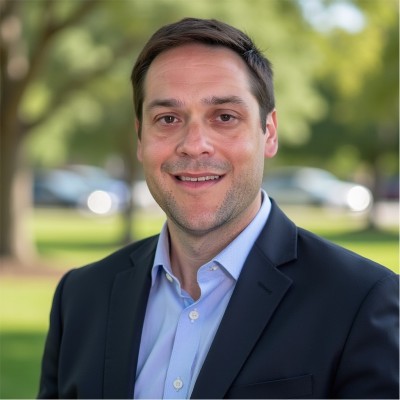
Michael Olszewski
PharmD, BCPS, BCCCP
Clinical Pharmacist Specialist
Clinical AI & DevOps Engineer
Charlotte, NC
AWS Certified Solutions Architect – Associate (SAA-C03)In progress
Built by a clinician
Built from inside the systems clinicians use every shift.
LocumView was designed by Michael Olszewski, a dual board-certified clinical pharmacist with two decades in critical care and infectious disease pharmacy, and a Clinical AI & DevOps Engineer. For eight years he chaired the Antimicrobial Stewardship Committee at a community hospital in North Carolina and led its designation as an IDSA Antimicrobial Stewardship Center of Excellence.
It's built from inside the fragmented systems clinicians use every shift: the extra logins, the copied numbers, the alerts that arrive too late or too often.
See it running
See it running.
Request demo access
Share a few details and we will email guest credentials for the live demo. Questions about pilots, deployment, or partnerships are welcome too.
hello@locumview.com